Costs and incomes accounting
Supervisor
- Mgr. Luděk Bártek, Ph.D. učo 2154
Developers
- Pavel Vyskočil učo 445753 - Team leader, data layer
- Bc. Peter Balčirák učo 422570 - Service layer
- Dominik František Bučík učo 445348 - Web UI
- Andrej Dravecký učo 445432 - Data layer, generating PDF
Project assignment
Students will design and create a web app on the Java EE platform for revenue and expense records of a small business owner. Data will be stored in a suitable form into a native XML database. For this purpose, students will design the XML data structure and describe it in the XML Schema format. The resulting app will be distributed in a zip archive that will contain an application deployed to JSPs / Sesrvlet Jetty.
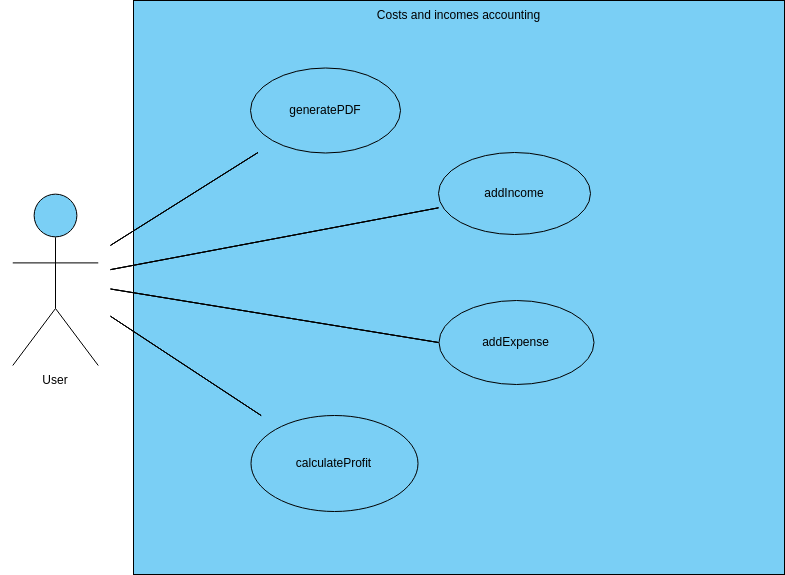
The system should be able to:
- to register a new income
- record new expense
- to calculate the profit / loss from the beginning of the accounting period (year)
- export the data into a suitable PDF format.
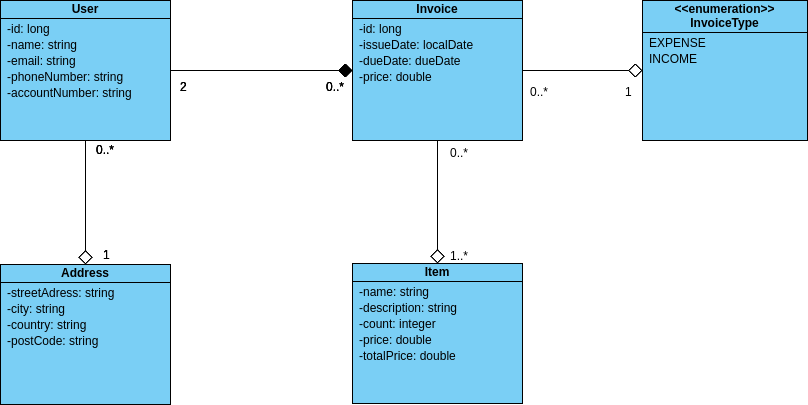
The following data will be recorded for each payment:
- payer details
- recipient information
- date of issue
- the due date of the document
- a list of billed items.
Components
- Backend supported by eXistdb
- Developed by Pavel Vyskočil
- Data stored in collections using eXistdb
- All data validated, stored as XML documents for easy manipulation
- Logging with Log4J
- Testing with JUnit, AsssertJ and Mockito
- Accessing components with Spring application context configuration
- Configured by Peter Balčirák
- Embedded JETTY servlet
- Web application based on Spring MVC
- Developed by Dominik František Bučík
- User friendly UI easy to use
- Intuitive design
- generating PDF files with iText library
- Developed by Andrej Dravecký
Basic scheme
Use case diagram
Class diagram
Reports
| Member | Docbook | |
|---|---|---|
| Pavel Vyskočil |  |
 |
| Peter Balčirák | |
|
| Dominik František Bučík | |
|
| Andrej Dravecký | |
|
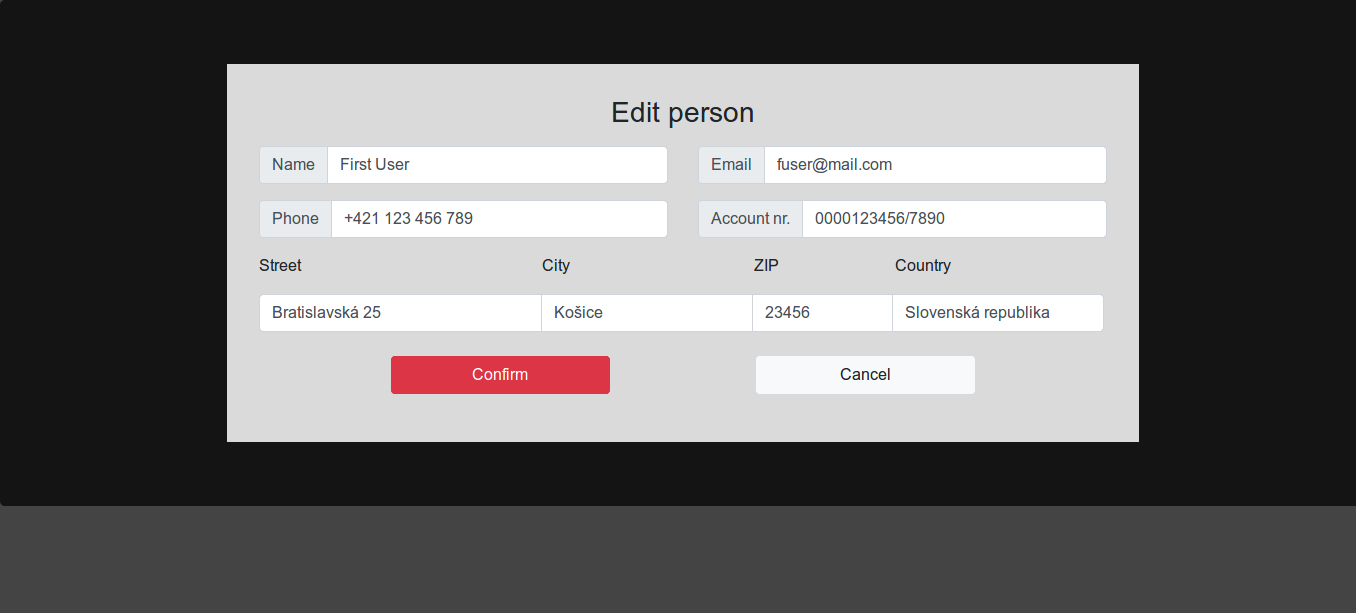
Screenshots
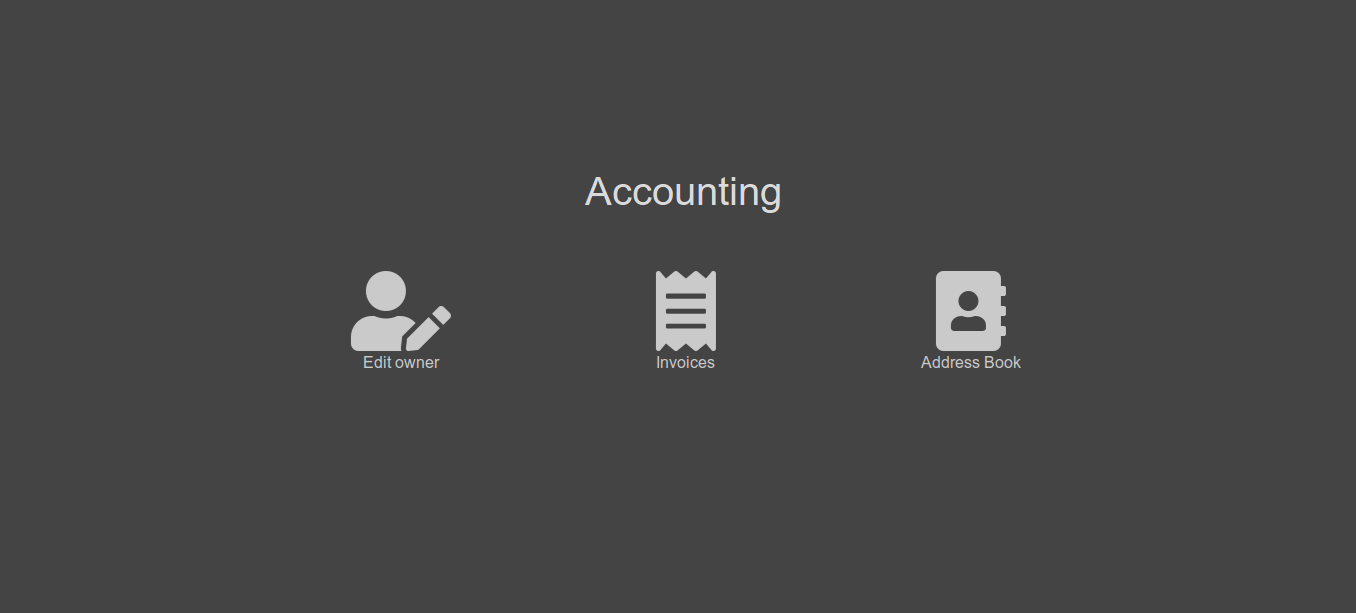
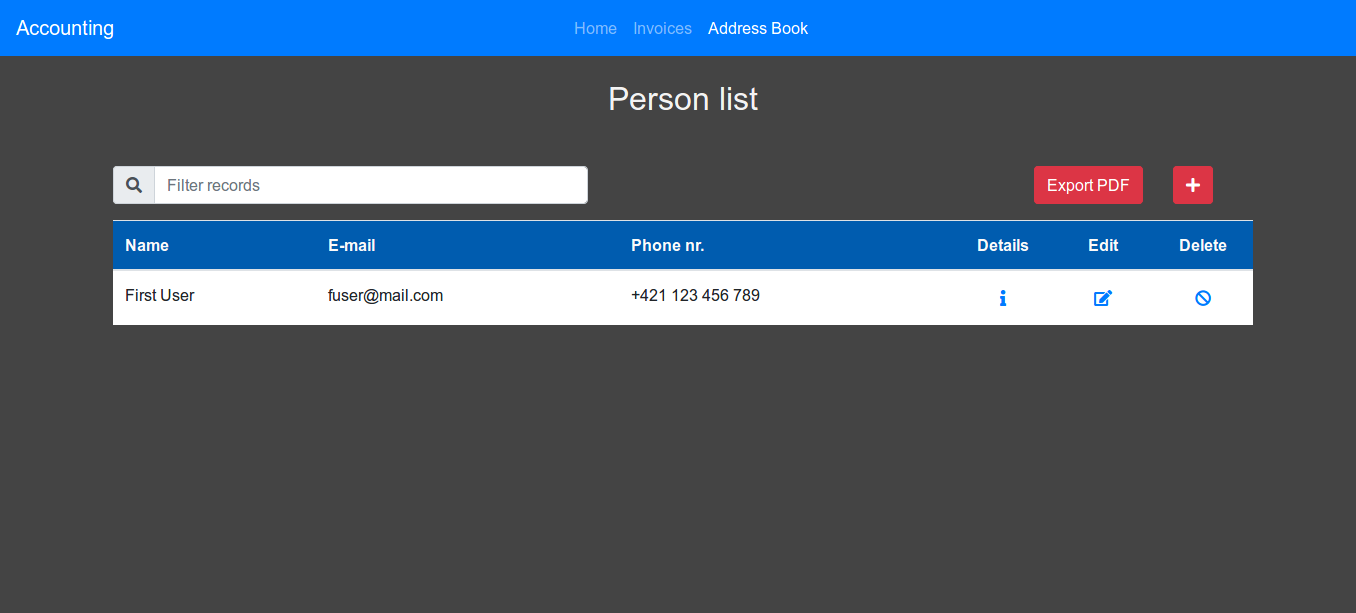
Prerequsities
Install eXistDB on your machine. Configure the access to database in config.conf file.
Install Maven on your machine
Running the project
1.Run the eXistDB server (configuration for server can be changed in config.conf).
2.Clone and run the project
git clone https://github.com/LizzardCorp/pb138project.git

cd pb138project

mvn clean install

mvn jetty:run-war
3.Access localhost:8082/accounting/ in your browser
Configuring database
Database can be configured in the config.conf file. Shortcut to this file is in the root of the application.